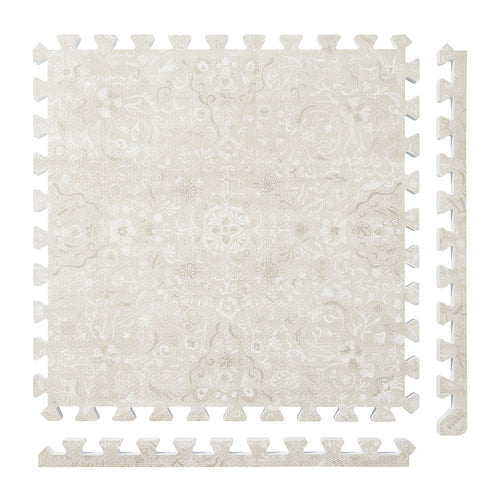
Persian Garden
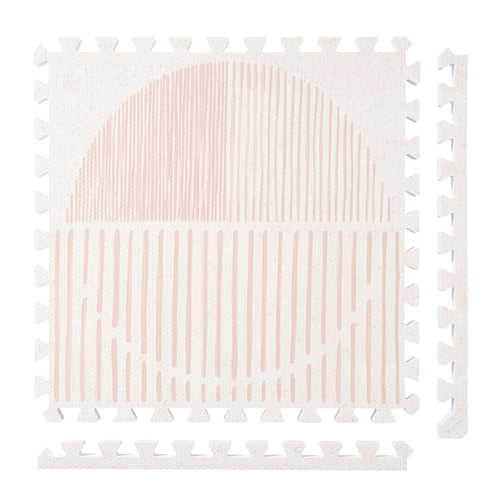
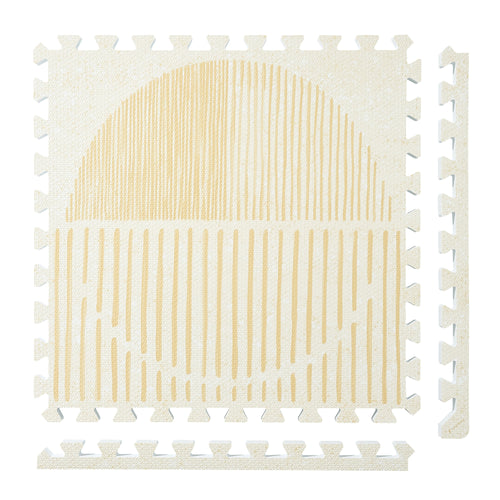
 Firework
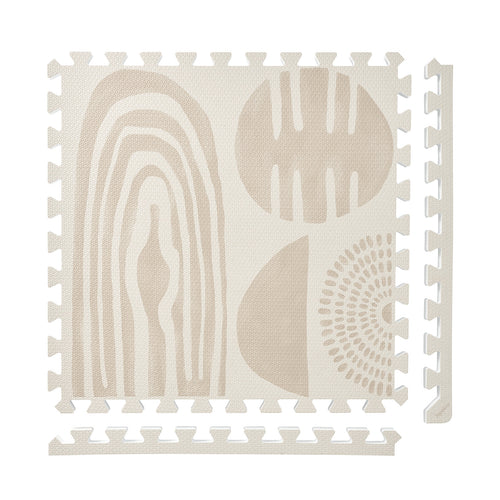
 Boho
Boho
 Little Builders
 Boulder
 Tranquil Flower
 Totem
Totem
Plan Tile Zones Across a Multi-Level Home
Plan each floor zone separately, then add the quantities for your household inventory. A downstairs area and an upstairs area need their own location, thickness choice, tile count and care record—even when you are considering the same product for both.
Give every zone a level and a name
Start a list with one entry for each area you want to configure. Name the level first, followed by a specific location, such as “lower level — reading corner” or “upper level — sitting area.” Two areas on the same level still get separate entries.
Keep this list about the floor layout. The level name tells you where a configuration belongs; the zone name identifies which area you are recording. This is more precise than one entry labelled “mats for the house.”
Record the configuration for each area
The current PopsyKosy Build Your Floor page labels its thickness choices “0.5-inch Everyday” and “1-inch Extra Cushion” and lists 12-, 24- and 30-tile configurations. Record the option you choose beside the correct zone.
Use the same fields for every entry so you can compare the plans without mixing their quantities:
- Level and zone: the named location for this configuration.
- Thickness: the exact option label selected for that zone.
- Tile count: the selected configuration, recorded separately from other zones.
- Configuration reference: a saved note or link to the product option you reviewed.
- Care record: the location of that zone’s cleaning instructions and reset note.
Add the inventory after the zones are planned
Keep the individual counts visible when you total the list. For example, if your selected configurations contain 12 tiles for one zone and 24 for another, the inventory total is 36 tiles across two zones. That total does not replace either zone’s configuration.
Record thickness alongside each count, too. A list saying only “36 tiles” loses the distinction between the two selections. If you revise one zone, update that entry and then recalculate the total; leave the other entry as its own record.
Use a separate hand-clean reset record for each zone
PopsyKosy’s care instructions call for hand cleaning with mild soap, water and a soft cloth. Remove soap residue with a clean damp cloth, and let the tiles and the floor underneath dry fully before reassembly.
Attach that care reference to each zone entry. When you clean an area, record its level and zone name, the date, and whether the tiles and underlying floor have finished drying. A note for one downstairs zone should not stand in for the condition of an upstairs zone.
The useful distinction is location: the maker’s hand-cleaning procedure stays the same, while the record tells you which area you worked on.
Keep the plan current one zone at a time
Before changing your plan, compare the named location with its current thickness and tile-count entry. Update the configuration reference when a selection changes, and keep the care note attached to that same location.
Use Build Your Floor to review the current configuration labels and the care guide for the cleaning procedure. Your level-by-level list brings those two references together without combining separate areas into one undifferentiated household total.